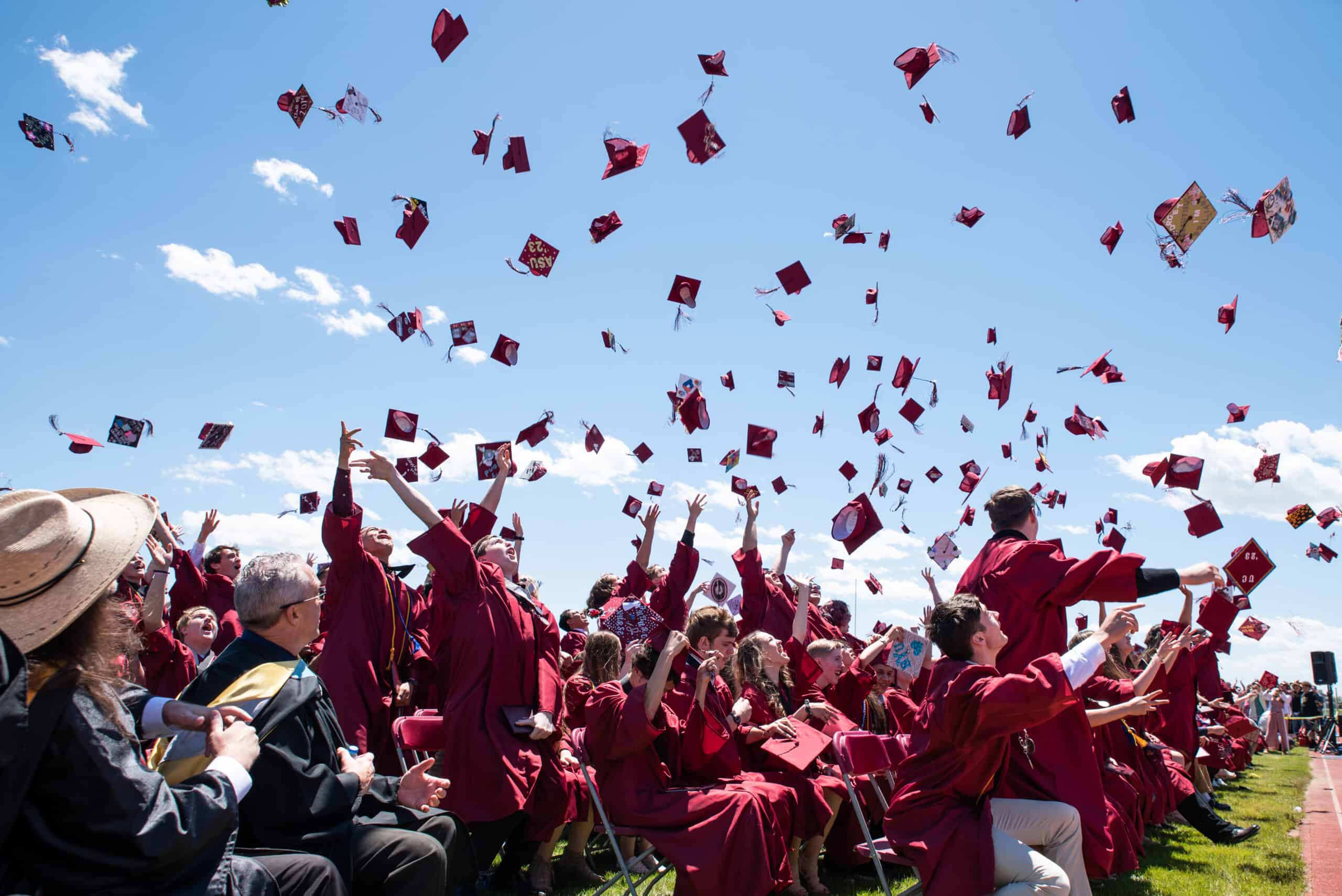
We are the future of America.
We are providing current and future generations a strong competitive advantage so that all students can achieve success in a globalized world.
Advancing Academic Excellence
credits required for graduation – among the most rigorous requirements in the state.
industry certifications earned by students in the 2021-2022 school year.
million dollars received in competitive grant awards since January 2018.
district-level partnerships and 435+ direct to school partnerships.
Academics
St. Vrain provides a rigorous academic foundation designed to prepare students for career and postsecondary readiness, including over 70 instructional focus programs.
Safety & Well-Being
Students safety and well-being is paramount, with over $45 million invested in safety upgrades over the past decade, as well as significant investments in mental health resources.
Get Involved
St. Vrain has many opportunities for parents and caregivers to be involved in their student’s education, including our nationally recognized program, Leadership St. Vrain.
Community Schools
St. Vrain supports working families by providing high-quality before- and after-school childcare programming that is available in all elementary school communities.
Enrollment
St. Vrain Valley Schools promotes open enrollment so that families can select the school and program that best meets their students interests and needs.
Get Social
St. Vrain promotes communication and safe interaction on social media to promote parent, student, and community engagement with our schools and programs.

Concurrent Enrollment
Students in St. Vrain have many opportunities to earn college credit while in high school through concurrent enrollment in courses with partner colleges and universities.
Athletics & Activities
St. Vrain offers a robust portfolio of athletics, arts, and other activities to engage students beyond the school day.
Advanced Placement
The AP® Program is continuously introducing new resources and processes designed to help students earn college credit and placement.
Graduation
St. Vrain has some of the most rigorous graduation requirements in Colorado, designed to best prepare students for postsecondary success.
Innovation Center
Student learning at the Innovation Center transcends the traditional classroom and provides experiential opportunities that are developing today’s students into tomorrow’s leaders, innovators, and changemakers.
Career Elevation & Technology Center
The CETC offers classes that provide real-world, hands-on experiences in pathways that are high-wage, high-growth, high-demand, and with a post-secondary trajectory.
Curricular Resources
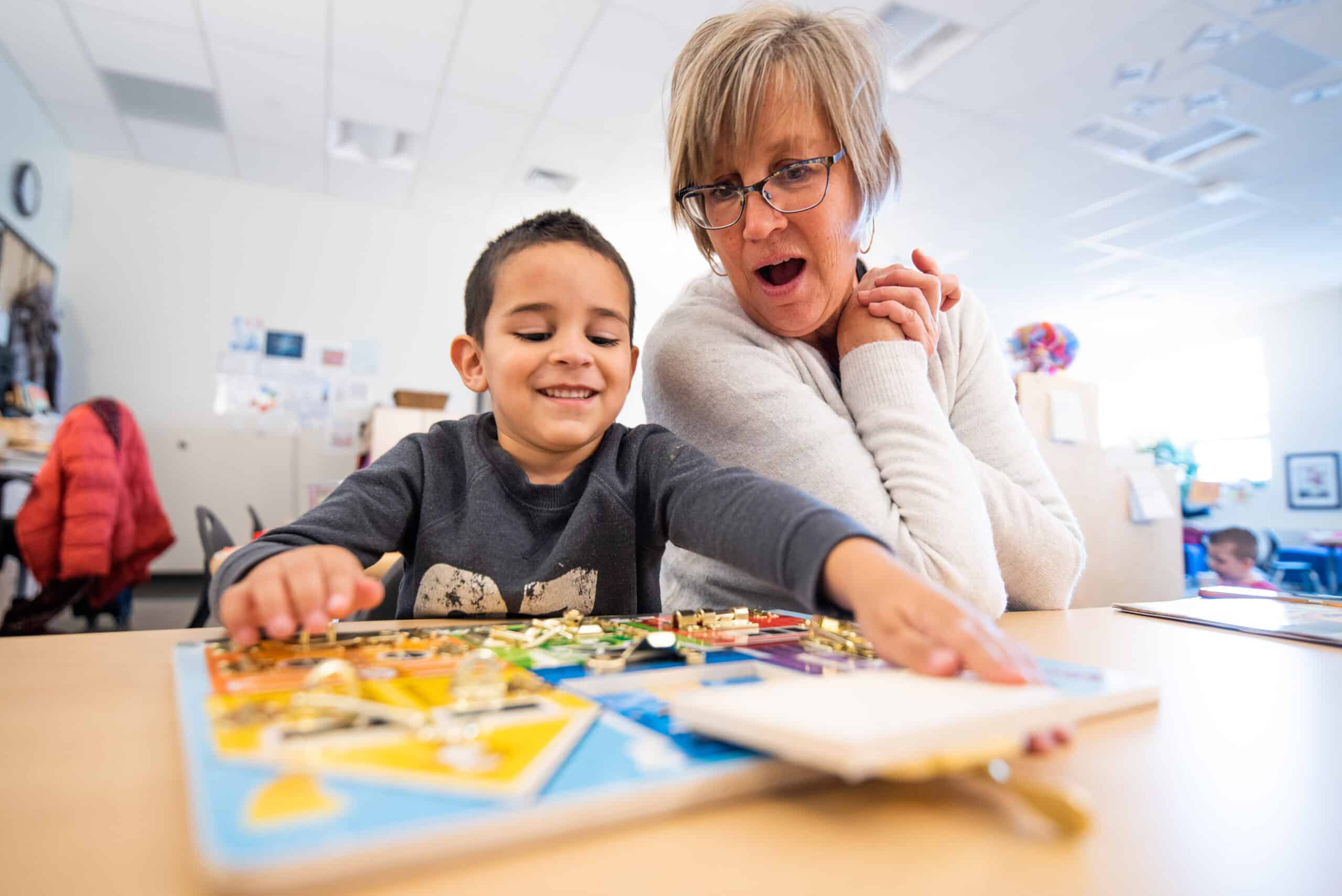
Our content leadership teams designed a set of 21st century curricular resources to supply our students with a guaranteed and viable curriculum aligned with the new Colorado Academic Standards.
Benefits
St. Vrain values the health and well-being of its employees and seeks to establish and maintain a culture of health and wellness.
Open Positions
We hope you will consider a career with St. Vrain Valley Schools and join our highly effective and supportive team of professionals who are having a significant impact in the lives of many students and families.
Professional Development
There are many professional development opportunities available to build the capacity of all district employees through staff development that improves the learning of all the children we serve.
Human Resources
We select, recruit and retain exceptional employees who exemplify the vision and goals of St. Vrain Valley Schools by meeting the educational, emotional, and social needs of our students.
Wellness
In an effort to improve the health of all SVVSD employees and promote a healthier and happier workforce, the district has established an active Worksite Wellness Program.
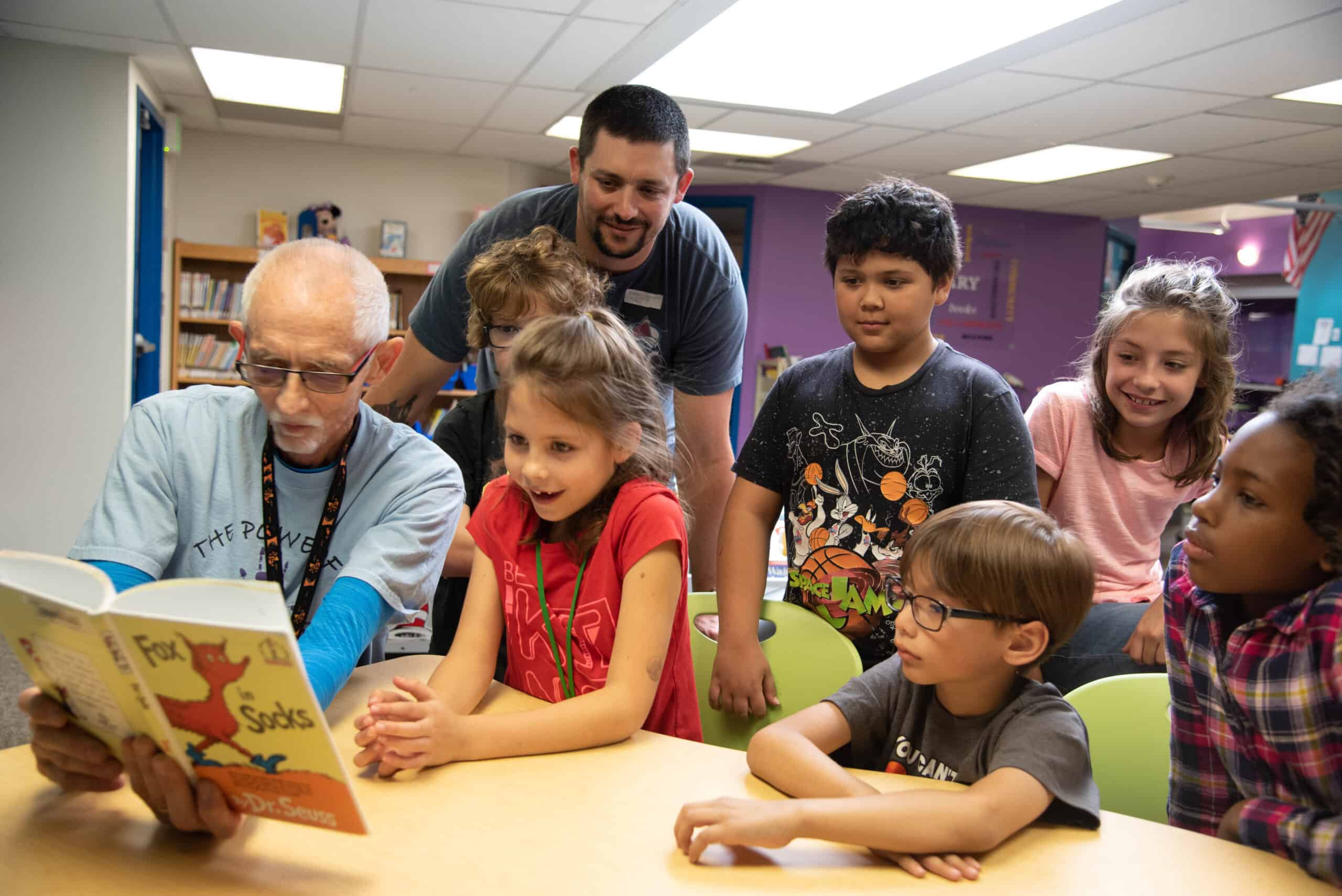
Senior Volunteers
There are many ways for the community to get involved with our students and schools, including earning credit toward their property taxes by volunteering with the district.
Promotional Flyers
Businesses and organizations seeking to distribute an electronic flyer to benefit the students and parents of the St. Vrain Valley Schools may do so by following the guidelines below.
Facility Use
Most of the St. Vrain Valley School District’s schools and fields are available for use by community groups. We support and encourage community use with priority given to youth activities.

Join a team of over 5,000 employees dedicated to helping students succeed.
Featured Stories

St. Vrain Valley Schools Achieves the Highest Graduation Rate in Denver Metro Area
St. Vrain Valley Schools has achieved the highest on-time graduation rate in the district’s history, at 93.3%. This is also the highest graduation rate of any district in the Denver Metro area, and the highest of any district in Colorado with more than 300 graduates.
St. Vrain Valley Schools Read More

Those who can, teach.
There is no more noble and important profession in our society than that of our educators. With over 90% of our nation’s children attending a public school, it is our teachers and staff, in partnership with parents and families, who are shaping the future of our world.
St. Vrain Valley Schools Read More

Public Education, Our Greatest Investment
Public education is America’s most significant investment and – second only to parenting – is the greatest contributor to the future of our world. The quality of our schools impacts and strengthens our economy, public health and safety, national security, the quality of our service industry, residential and business property values, public health, our democracy, and so much more.
St. Vrain Valley Schools Read More

“Education is Life Itself”
In March 2020, days before we were required to close our schools to in-person learning due to the COVID-19 pandemic, St. Vrain Valley Schools hosted a series of focus groups to engage our families, students, teachers, staff, and other community members in the question, ‘What is the purpose of public…
St. Vrain Valley Schools Read More

A Strong Competitive Advantage
St. Vrain Valley Schools can proudly boast not one, but two 2020 Olympians in Stanford graduates Valarie Allman and Elise Cranny. These St. Vrain Valley Schools alumni and many more serve as inspiration for the current crop of superb students representing the district with academic and athletic excellence. Read the Full…
St. Vrain Valley Schools Read More
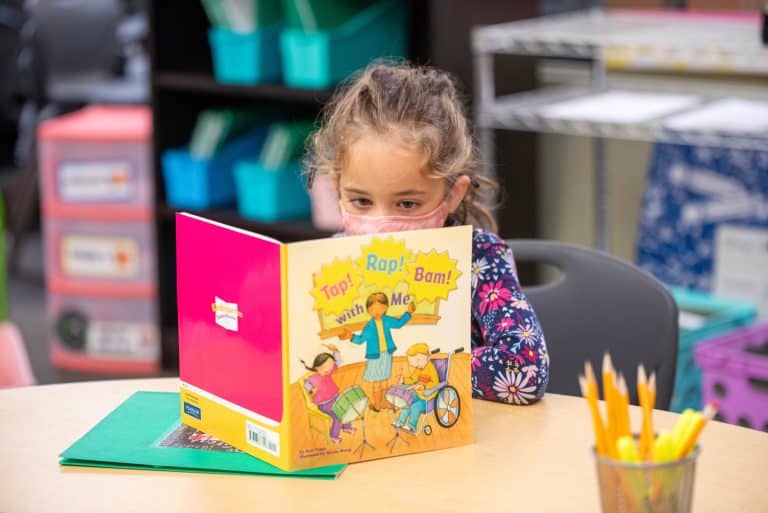
Building Readers for Life
For young students, literacy is a vital foundation because it allows them to respond to what they are learning, supports their understanding to communicate, and helps them express and understand feelings. Literacy nurtures growth and contributes to students’ development, all while stimulating their imagination and expanding their understanding of the…
St. Vrain Valley Schools Read More
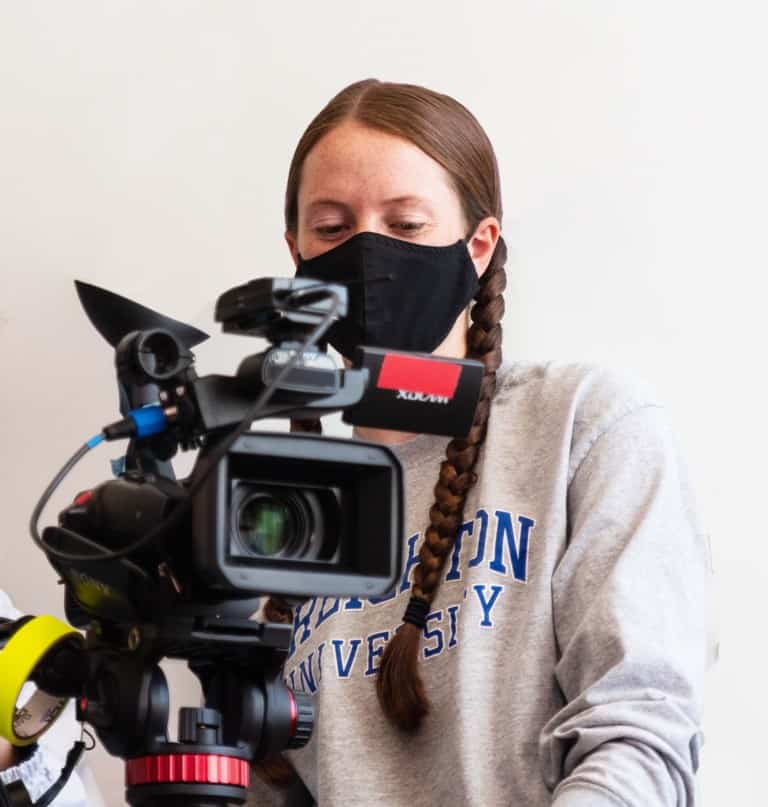
Amplifying the Future
In a media landscape where video is consumed at greater and faster rates, students across the district are also gaining experience in front of and behind the camera. Schools in St. Vrain teach students in advanced thinking and to form ideas worth communicating. Read the Full Story on the Magazine Website
St. Vrain Valley Schools Read More

Engineering Healthier Communities
St. Vrain students use their passions for STEM to serve and make advancements in the health and sciences fields – now and in the future. Students are engaging with health industry professionals now to serve as thought partners to improve systems, conducting cutting-edge research, and preparing for careers helping their community.…
St. Vrain Valley Schools Read More
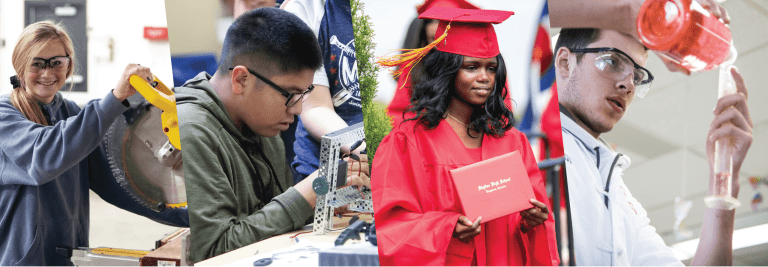
Open Enrollment and Preschool/Kindergarten Registration Window for the 2022-23 School Year Opens December 1
Dear Parents and Guardians, Thank you for your partnership as we continue to advance the academic success and well-being of our students. St. Vrain Valley Schools is proud to offer a wide-range of rigorous academic focus programs that give your student a choice in selecting a school that best aligns…
St. Vrain Valley Schools Read More
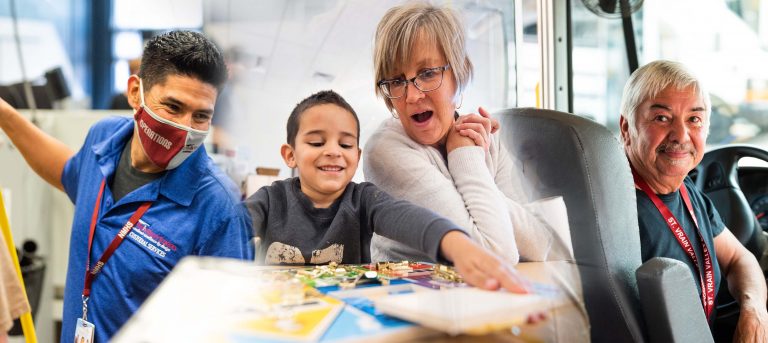
Make a difference. Join the #StVrainStorm.
St. Vrain Valley Schools is hiring essential positions in the following departments: transportation services, before- and after-school childcare, nutrition services, custodial services, and special education paraprofessionals.
St. Vrain Valley Schools Read More

We are Moving Forward
While this year presented many challenges due to the global pandemic, our community continued to move forward. Through our collective resilience, innovation, compassion, and ingenuity, together we have strengthened our public education system, and will continue to advance excellence for each and every student as we plan to return to…
St. Vrain Valley Schools Read More
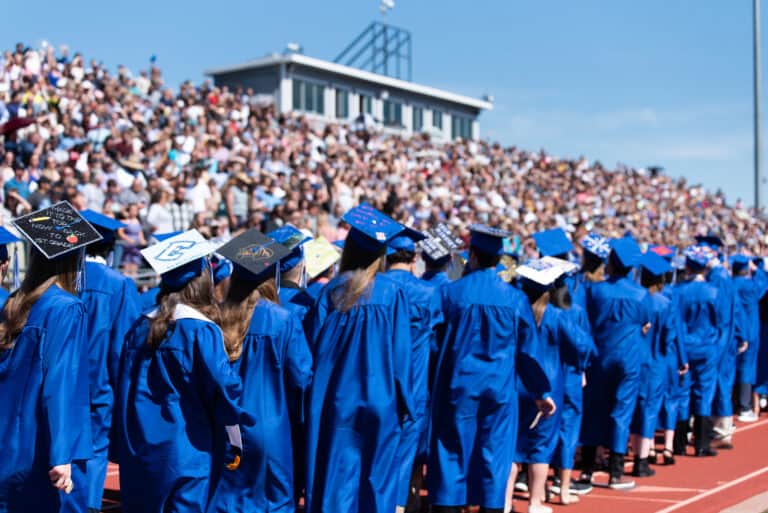
Our Graduates are Advancing the Future of America
It has been another extraordinary year in St. Vrain Valley Schools. One filled with many challenges due to the global coronavirus pandemic, but more importantly, it has been a year full of great resilience, outstanding student engagement, robust creativity, and compassionate community support.
St. Vrain Valley Schools Read More
Upcoming Board Meetings
Previous Board Meetings
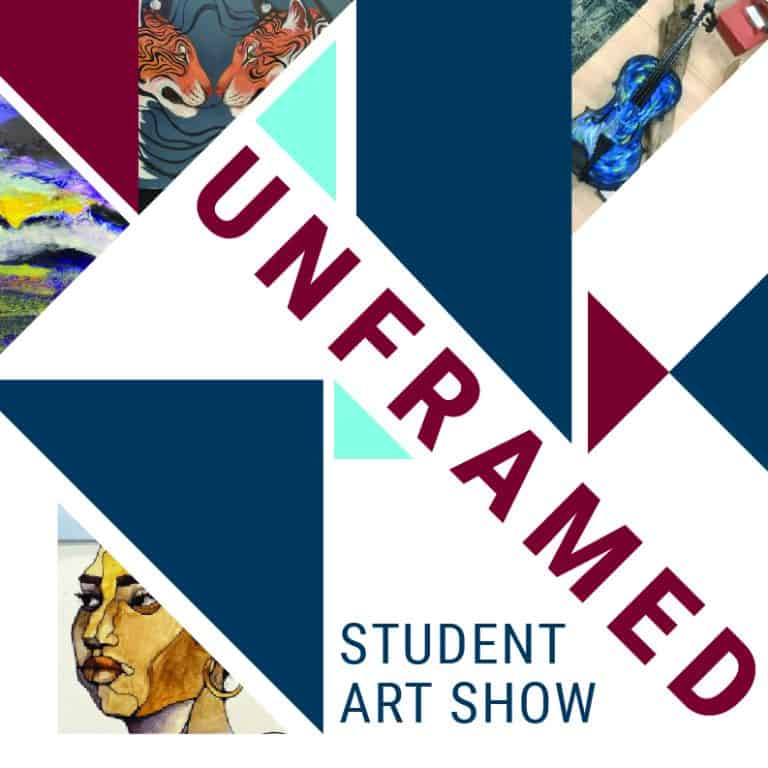
St. Vrain’s Unframed Art Show live at the Boulder County Fairgrounds Exhibition Hall from April 16-21
St. Vrain Valley Schools will host its annual art show at the Boulder County Fairgrounds Exhibition Hall. Community members are invited to view student art from all grade levels and schools across the district from April 16-21. The event is free and open to the public: Public Viewing: Tuesday, April…
St. Vrain Valley Schools Read More
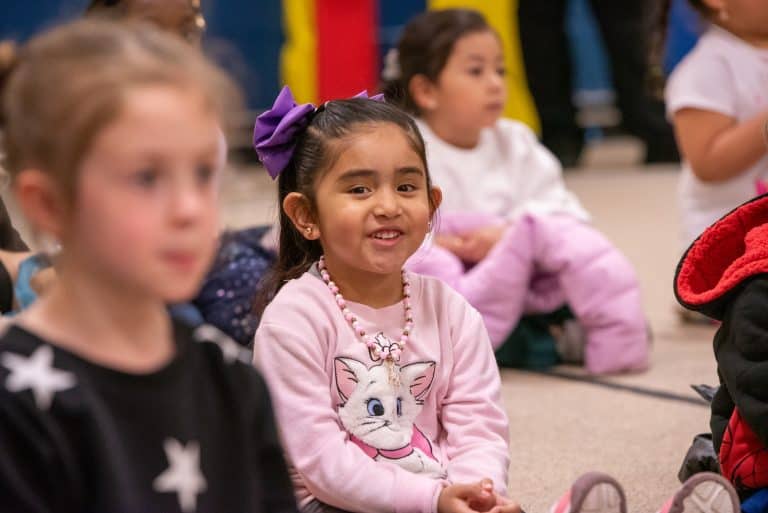
Anima Arts Introduces Creative Collaboration with Spark! Discovery Preschool
The partnership between Spark! Discovery Preschool and Anima Arts is an example of the power of community connections. Anima Arts’ mission is to offer community-based art programs promoting public health education for children and their families, emphasizing the importance of healthy movement and artistic expression in overall well-being. Reflecting on…
St. Vrain Valley Schools Read More
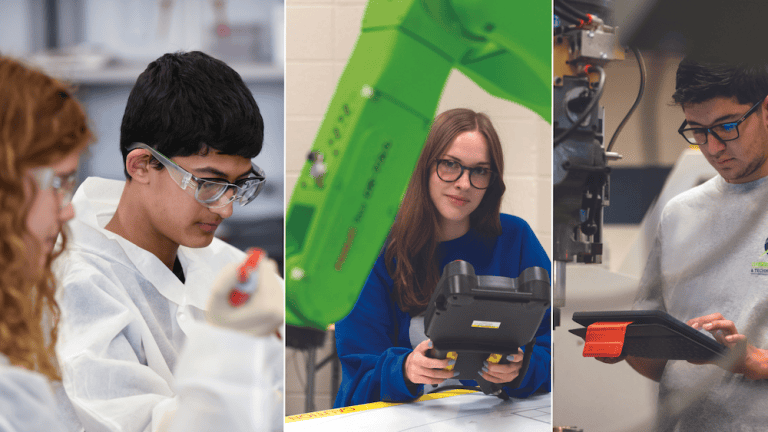
You’re Invited to St. Vrain Valley Schools’ Career and Job Fair, April 26
St. Vrain Valley Schools is committed to providing our students with diverse learning opportunities to pursue their career interests and broaden their learning experiences through advanced technology courses, industry certifications, career and technical education training, and more.We are pleased to invite you to the third annual St. Vrain Valley Schools’…
St. Vrain Valley Schools Read More
Join the #StVrainStorm
Across St. Vrain Valley Schools, we are taking public education by #StVrainStorm – our shared passion and commitment to advancing academic excellence and student success.